
Modern PMIS for AI Data Center Builds
The operating system behind the hierarchy.
Where work sits
Start from the stage you run.
Modules are grouped the way a hyperscale owner/operator runs a build wave. The Operations Wall is not in this list. It is the portfolio cockpit.
01
Capital programme
Budget first. Then the contract, the change, the application, the schedule of values, the draw, and the date. Funding Manager follows for owners who separate sources.
02
Portfolio control
The owner’s view of the wave: campuses, money, MW and risk, with a cockpit for the room.
03
Programme delivery
Primavera P6 comes in by XER or XML and updates the same schedule in place.
04
Project execution
The hall itself: drawings and takeoffs, the controlled document set, RFIs and the field record.
05
Maintenance
After energization, work orders on campus assets draw against approved master agreements for power, cooling, fiber and fire and life safety.
06
Bidding
From a secure vendor bid to the contract the award becomes.
Maintenance
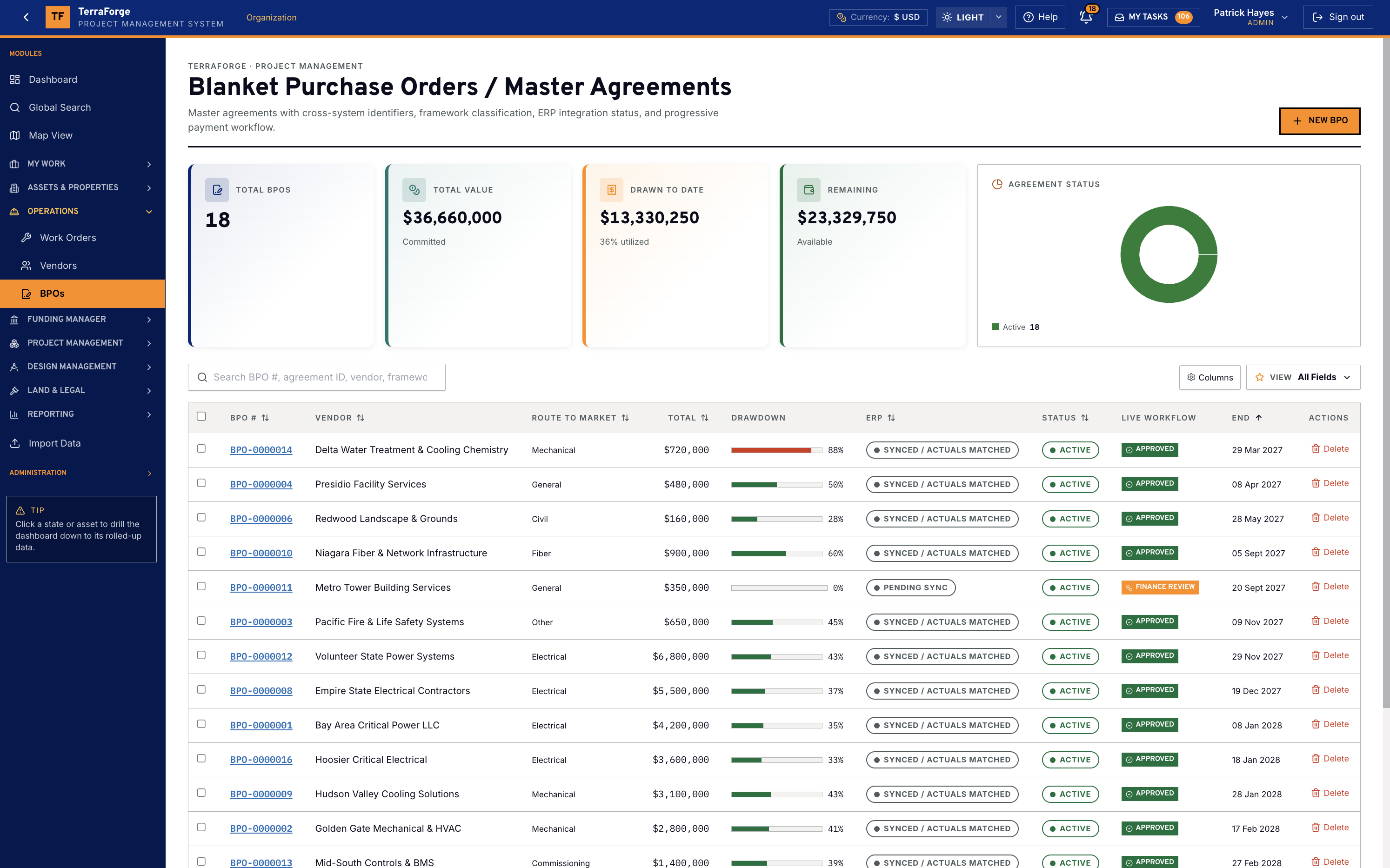
After energization, the work order draws the master agreement.
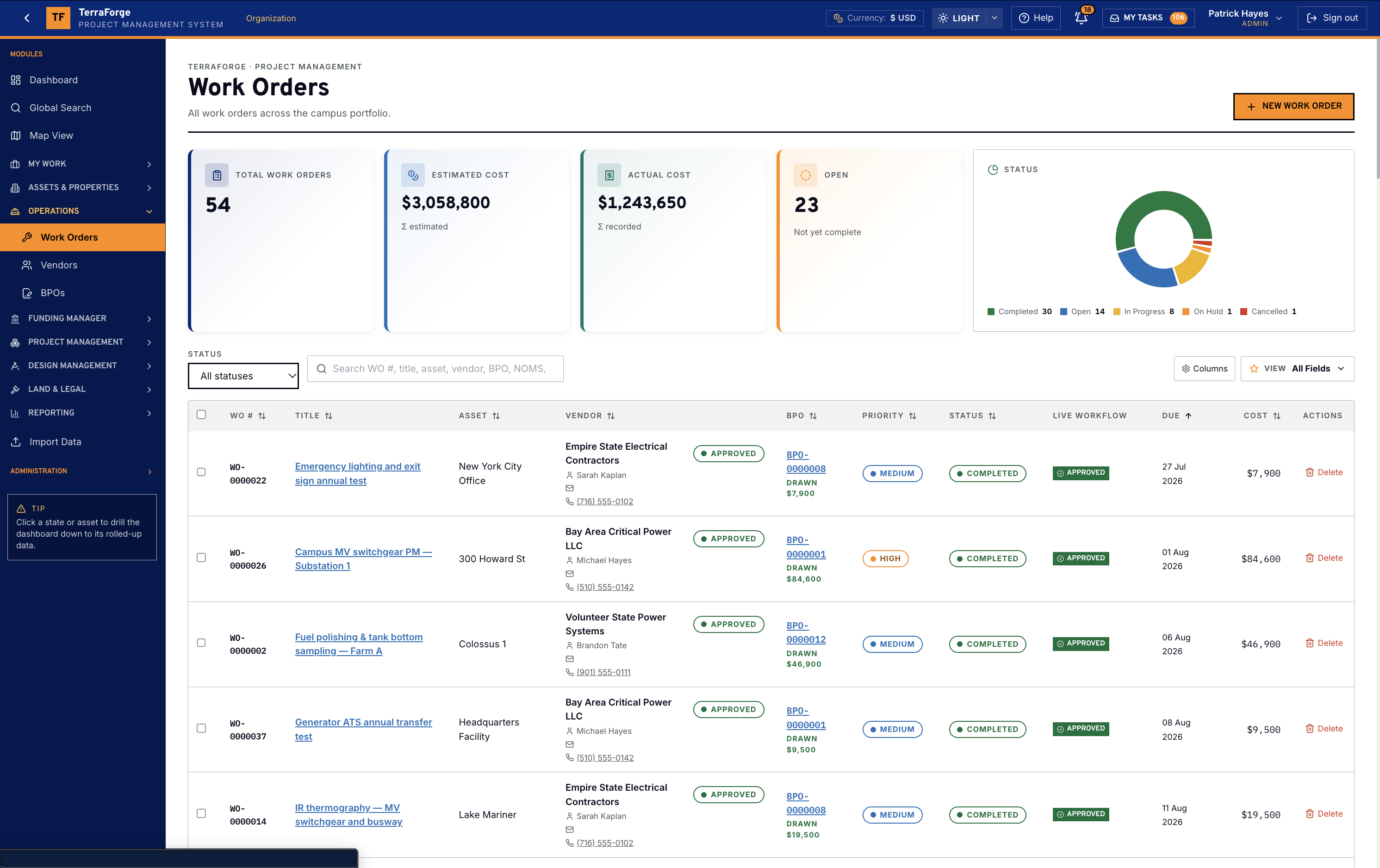
Work orders stay on the campus asset: switchgear PM, fuel polishing, a generator ATS transfer, infrared thermography. Each one draws an approved blanket purchase order for power, cooling, fiber or fire and life safety. ERP sync sits on the agreement. Ball-in-Court lands in My Tasks. Most legacy PMIS leave that work in another system once the hall is live.
Directory
Every module
- portfolioBudget & costOne cost sheet from the wave to the cost code.
- commercialContractsContracts, then change orders, payment applications, and the schedule of values.
- programmeCash flowThe owner funds the draw from a curve that can be compared.
- programmeScheduleEnergization is a date on the owner’s record.
- programmePrimavera P6P6 stays with the planner. The owner’s copy stays live.
- portfolioPower BI, Tableau & ExcelConnect Power BI, Tableau or Excel.
- projectDrawings & takeoffsThe sheet, the revision, and the quantity measured on it.
- projectDocumentsThe folder is on the project. The drawing is in the folder.
- commercialBiddingTwo submitted bids, against the owner estimate.
See the full PMIS against your campus programme.
Your cost codes, your workflow, your campuses. Write sales@terraforge.build.