
Solutions · Workflow & Designer
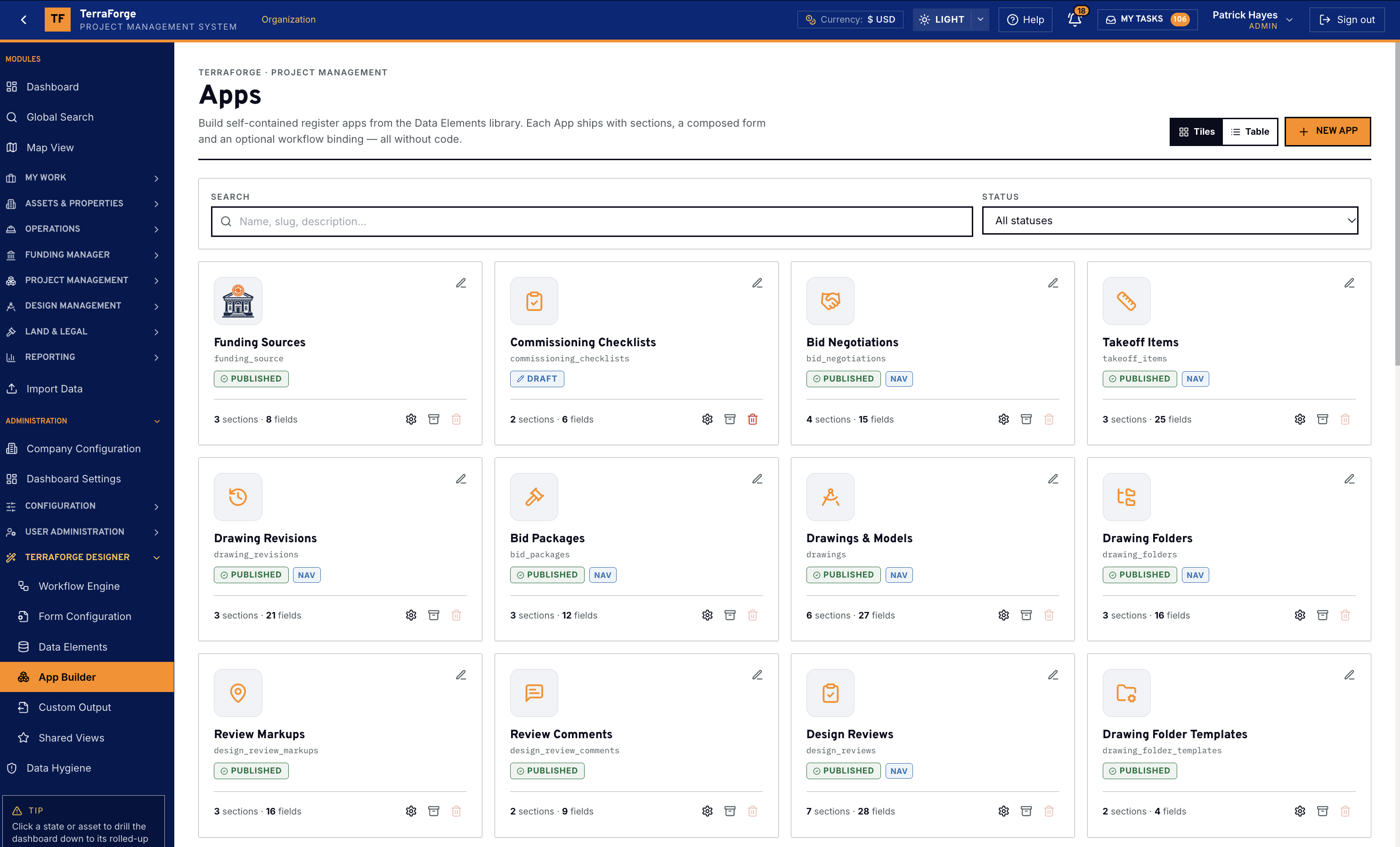
App Builder. You extend the platform — without a change request.
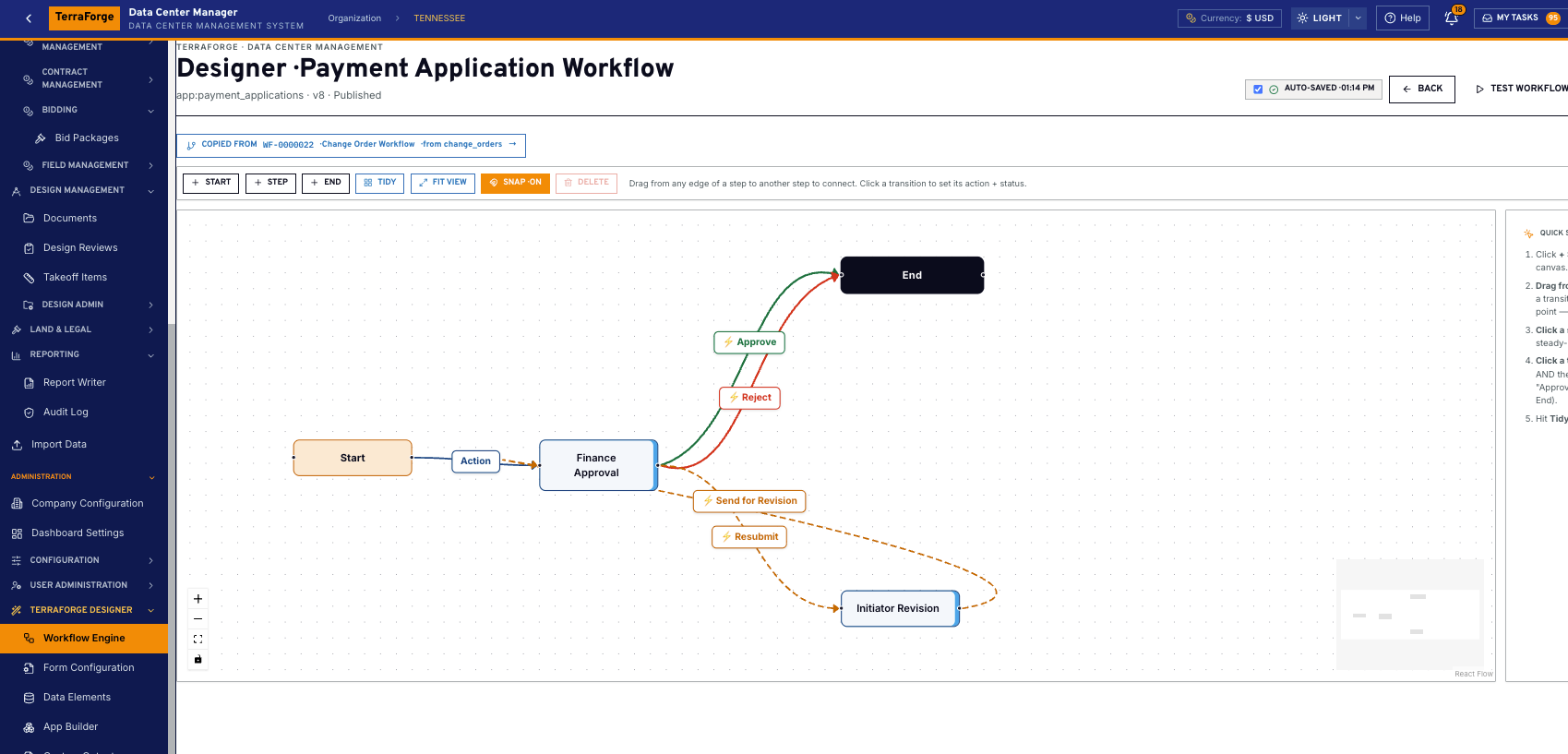
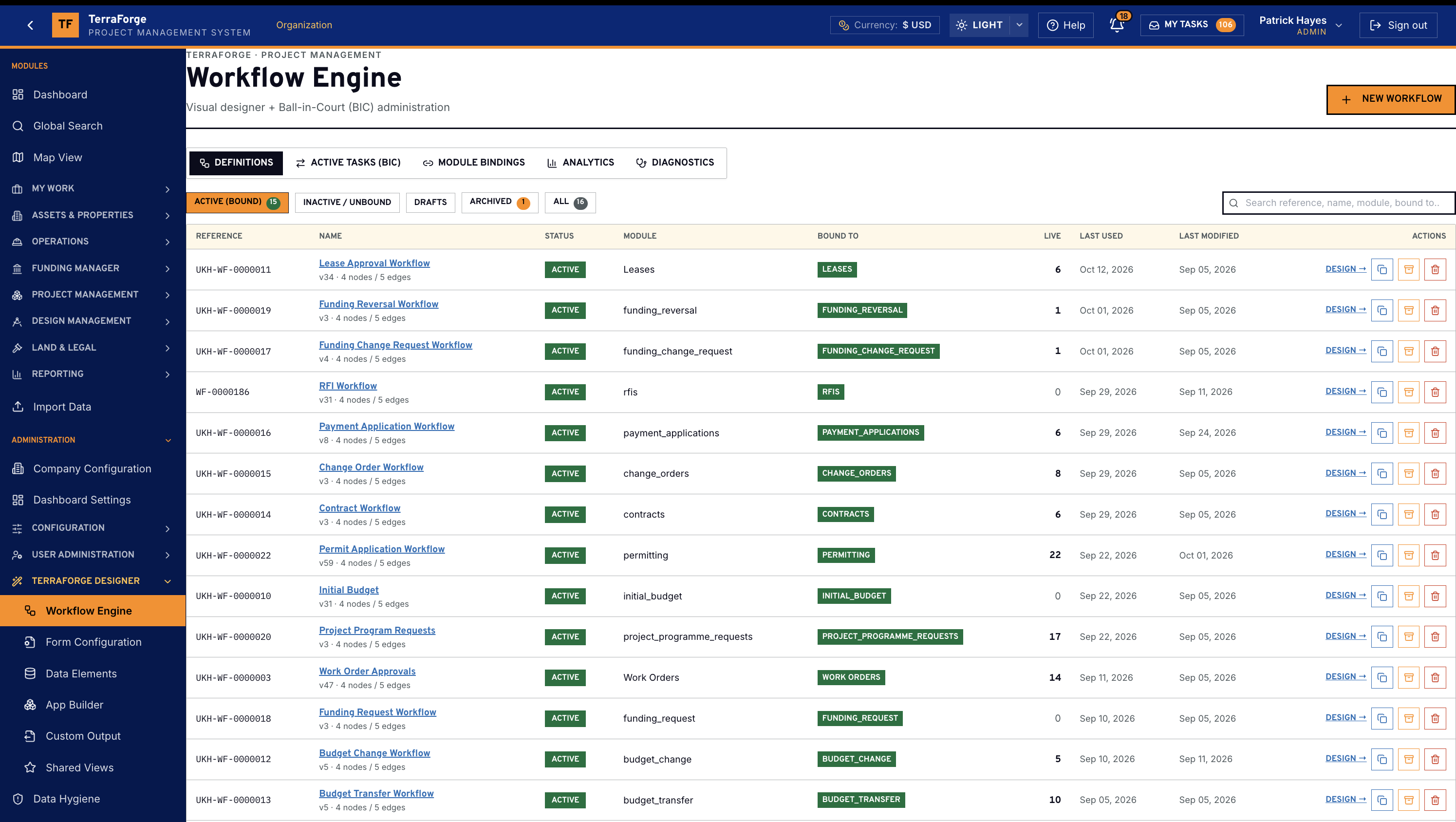
Workflow Engine
You are not starting from a blank canvas.
The rest of the kit — forms, field library, views, dashboards, access — is on Configure. App Builder is the deepest tool. Publish on Tuesday. The business process is in production on Wednesday.
Drag-and-drop workflow
Conditional routing on a canvas — not in a script.
Branches are labelled arrows: amount over threshold, branded portfolio level, fund type, role. Drop the step. Label the branch. An administrator can read the path. A user can be shown why the record went left instead of right.
App Builder
Design the form. Publish the business process.
Data elements, form layout, statuses, and the people who can see the record — configured in the product, by the people who run the programme. It is already a TerraForge app.
Ease of use
Easy for the people who use it. Easy for the people who run it.
Most PMIS products pick a side. They are either “simple” and shallow, or powerful and reserved for a specialist. TerraForge is built so a project manager can work the record and an administrator can change the process — without a week of training.
For users
- Modern web. No plugins. Browser, login, work. Nothing to install.
- Shared views. The administrator publishes the default. You personalise your own. You do not write a query.
- One inbox — My Tasks. Approvals land in the same place whether the record is a lease, a payment application, or an app that went live last week.
For administrators
- Publish without a ticket. Configure the form, drop the workflow, release.
- Shared views you can set once. Publish the default the organisation should see.
- The same builder everywhere. App Builder, workflow canvas and dashboard builder are one language.
What ships
App Builder, workflow, and everything a published app inherits.
App Builder
- App Builder
- An administrator builds a business process on a Tuesday — sections, form, publish — and the team is in it on Wednesday. No vendor ticket.
- Drag-and-drop workflow
- Start, step, end on a canvas. Snap, tidy, fit view. Conditional paths are labels on the arrows, not a specialist’s script.
- Conditional routing
- Return to supplier, send for clarification, submit as complete — the branch is drawn, not coded.
- Form configuration
- The form the business process actually opens — not a parallel designer.
- Data Elements
- One typed field library. One definition, one owner, one validation contract.
- Shared views
- Admin publishes the clean default. Anyone can still save their own. Users stop rebuilding filters.
- Data hygiene
- Govern the library the apps are built from.
What a published app inherits
- RBAC
- Three-tier — organisation, group, record.
- Numbering
- On publish, not as a later integration.
- Drillable dashboards
- KPI tiles, recent records, status — and click-through to the record. On the app you just published. No widget SOW.
- Visual metrics
- Charts and breakdowns from the business process fields. Every app, not only finance.
- Report Writer
- Source, fields, filters, chart, sort, preview. Graphical output, then CSV, XLSX, PDF or XML. Every export is in the audit log.
- API
- Open REST the moment the app is live.
- My Tasks
- One inbox. Every approval, every module.
Easy for users. Easy for administrators.
- Modern web — no plugins
- Browser. Login. Work. Nothing to install on a locked-down laptop.
- Shared views
- An administrator publishes the default. A user personalises their own. Neither writes a query.
- One inbox
- My Tasks is the same place whether the record is a lease, a payment application, or an app you published last week.
- Publish without a ticket
- Administrators configure and release. They do not raise a change request to the vendor.
- Learn TerraForge without the learning curve
- The same navigation, the same views, the same inbox — across portfolio, programme, and the apps you add.
See the full PMIS against your campus programme.
Your cost codes, your workflow, your campuses. Write sales@terraforge.build.