
Solutions · By industry
AI data center builds first. The same PMIS for the rest of the portfolio.
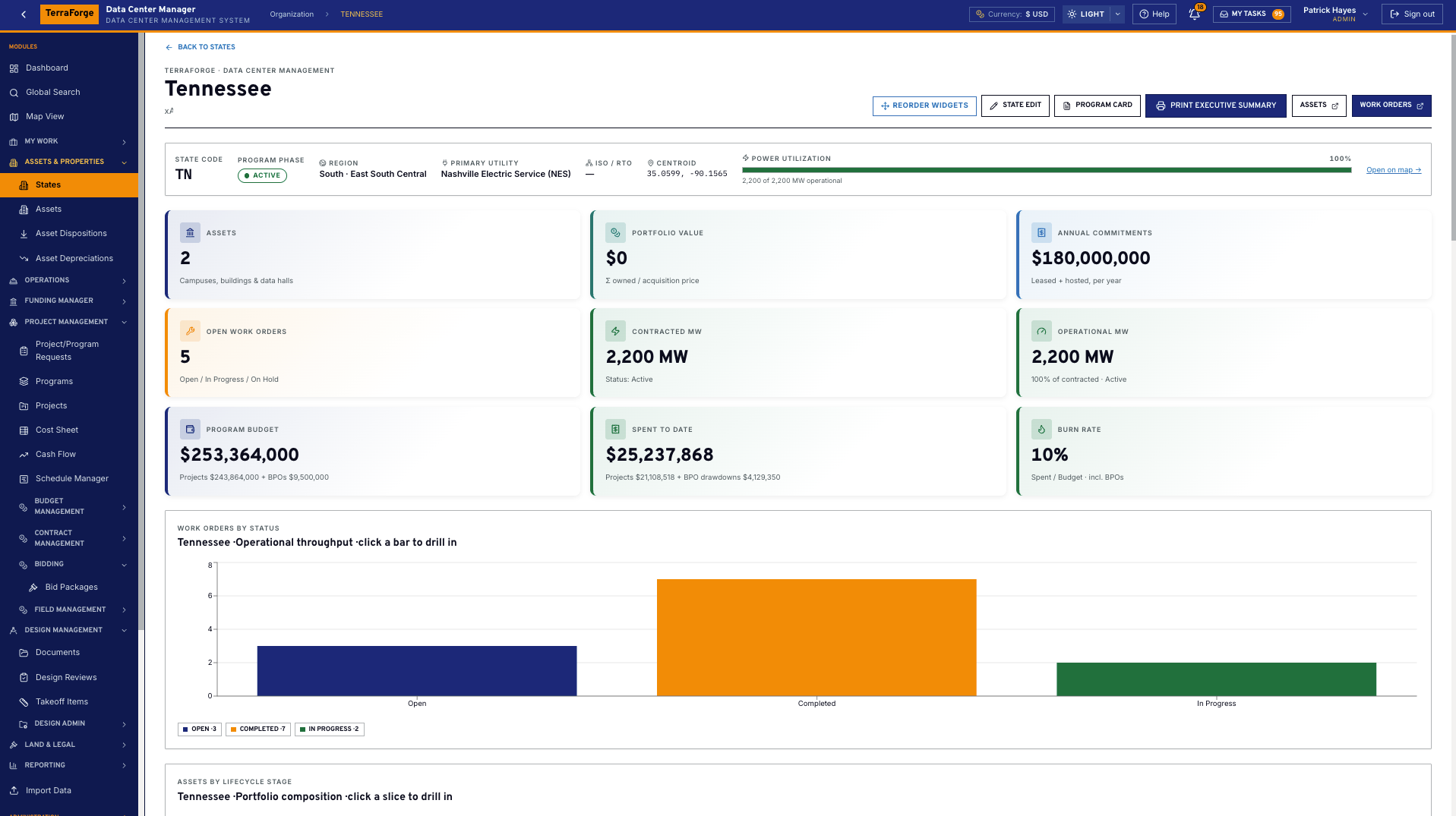
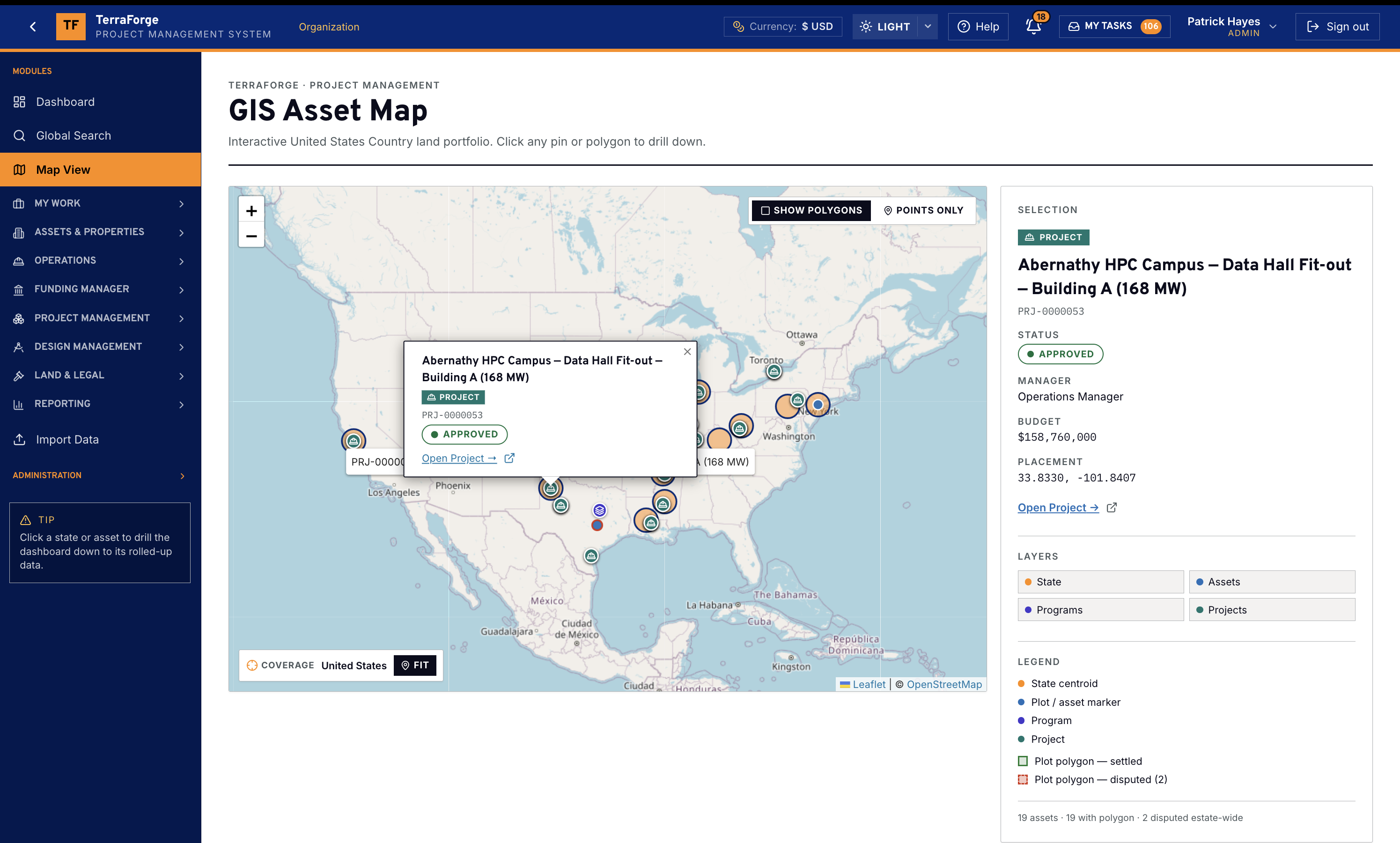
Owner and operator PMOs delivering the full AI data center build-out — power and campus together, from shell and civil through the data hall, and the maintenance that follows energization.
AI & data center builds
The programme is not an IT fit-out. A shell package, civil works and a data-hall project sit under one campus. Substations and generator yards are assets beside the hall. The state record holds utility, ISO, contracted megawatts against operational megawatts, and interconnection status. After energization, work orders on the asset draw a blanket purchase order from an approved supplier.
TerraForge is that PMIS. State is the branded portfolio level in the US configuration, with a facility profile on the campus and the hall — megawatts, cooling, white space, racks. The Cost Sheet rolls the shell package and the fit-out. Schedule Manager holds the date. Vendors, blanket purchase orders and work orders stay on the asset. The Operations Wall is the presentation dashboard reading those records.
- Branded portfolio level — State
- Campuses, halls, substations
- Work orders, vendors & BPOs
- Map View
- Funding Manager
- Cost Sheet
- Schedule Manager
- Field Management
- App Builder
- Bidder Portal
- Operations Wall

National and regional road authorities, and the capital teams that renew a network.
Highways and roads
The portfolio is linear and geographic at once: strips, depots, plots, highway references, chainage, and a branded portfolio level. Disputes sit on the land. Asset dispositions record a sale, transfer, easement grant or decommission. Renewals and improvements sit on a programme with real colors of money. Most PMIS products keep the map in another system. Most GIS products do not run the cost sheet.
TerraForge holds both. The branded portfolio level, assets and Map View are the same records — County is the demo brand of that level. Highway reference and chainage live on the asset. Work orders and BPOs assign against that plot — drawdown on the master agreement, Ball-in-Court in My Tasks. Funding Manager keeps capex, opex and grant distinct through the job. An administrator publishes the inspection or permitting app the network actually uses — without a change request.
- Branded portfolio level
- Assets
- Map View
- Disputes
- Asset dispositions
- Work orders
- BPOs
- Funding Manager
- Cost Sheet
- App Builder
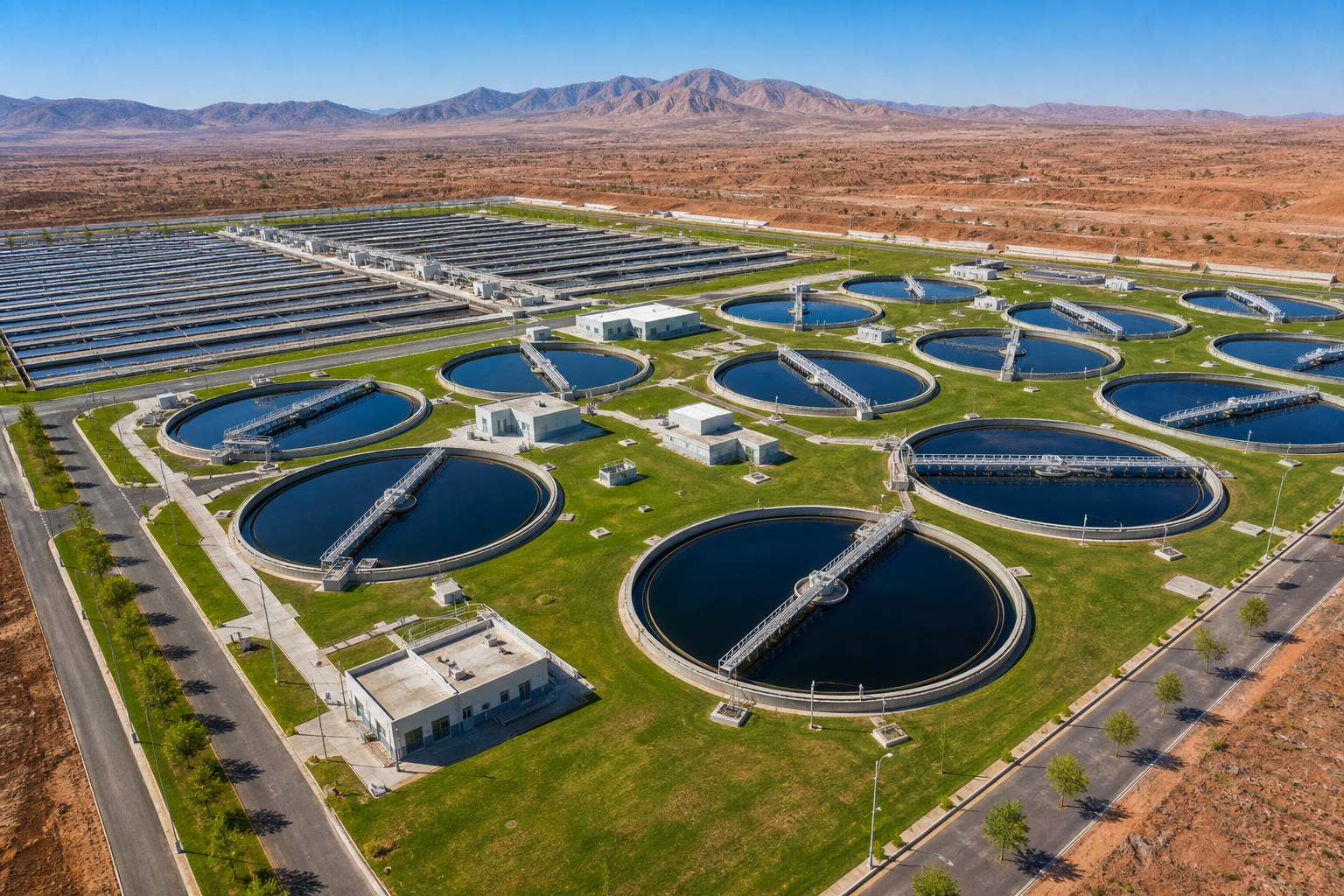
Utility owners and capital delivery teams running treatment works, networks and the land they sit on.
Water and wastewater
A works upgrade is a project. The land take, easement and neighbouring plot are portfolio records. Grant, contribution and own-budget capex are different colors of money. The schedule is often already in P6. Controllers should not reconcile a GIS extract to a cost sheet on Friday.
TerraForge keeps the plant, the plot and the corridor on Assets — GIS and the business process open the same record. Funding Manager keeps grant and capex from collapsing into one pot. Schedule Manager brings P6 in by XER or XML, updated in place — dates next to Cash Flow Manager and the Cost Sheet. Shared views give operations one default and the PMO another. No query writing. No Friday extract.
- Assets
- Leases
- Permitting
- Map View
- Funding Manager
- Colors of money
- Cost Sheet
- Schedule Manager
- P6 — XER & XML
- Cash Flow Manager
- Global Search

Infrastructure managers and programme offices delivering stations, depots, corridors and renewals.
Rail
The corridor is a portfolio. The blockade or access window is work on that portfolio. The enhancement is a capital programme with a live schedule. Linear assets, neighbour land and station leases do not belong in three products.
TerraForge puts linear strips and buildings on Assets — on the map, in search. Work orders and BPOs are the operational path. Programmes, Cost Sheet, Schedule Manager and P6 — XER or XML, updated in place — cover the enhancement. App Builder is how a possessions or access form becomes a first-class business process on a Tuesday, with workflow in the same inbox as a payment application.
- Assets
- Map View
- Leases
- Work orders
- BPOs
- Programmes
- Cost Sheet
- Schedule Manager
- P6 — XER & XML
- App Builder
- Drag-and-drop workflow
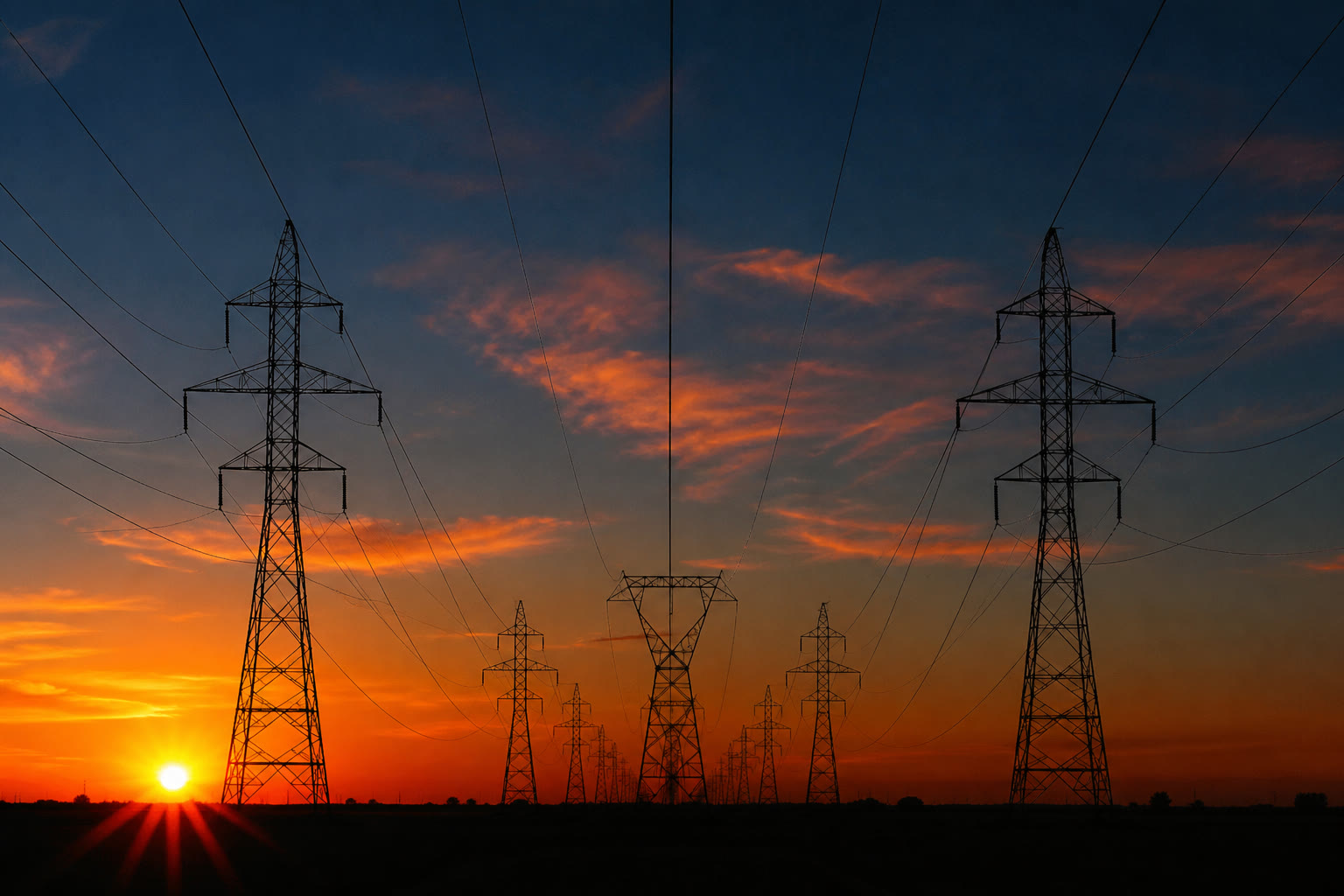
Transmission and distribution owners, and the capital teams reinforcing a network.
Transmission and Distribution
A corridor, a substation, a wayleave, a reinforcement project. Land rights and spend have to stay attached. Colors of money matter when own-budget capex sits next to a contribution. The map is not optional.
TerraForge keeps the wayleave on the plot the polygon already shows. Leases carry occupancy and counterparty. Funding Manager keeps contribution and capex identifiable through allocation. Cost Sheet, contracts and Cash Flow Manager read the same hierarchy. Permission groups decide who sees a substation record versus a programme dashboard.
- Assets
- Leases
- Lease contacts
- Map View
- Polygons
- Funding Manager
- Funding allocation
- Cost Sheet
- Contracts
- Cash Flow Manager
- Permission groups

Airport owners and the portfolio and capital teams that run landside, airside and the development pipeline.
Airports and aviation
The portfolio is dense: stands, terminals, car parks, hangars, retail leases. Work orders never stop. Capital jobs — a stand, a pier, a landside building — need a cost sheet and a schedule, not a side tracker. The map has to open the same record as the lease.
TerraForge puts assets, leases and lease contacts on the plot. Work orders and BPOs stay on that asset, in My Tasks. Capital jobs use Programmes, Cost Sheet, Schedule Manager and Cash Flow Manager. Shared views let operations keep a personal filter while the administrator publishes the default the airport should see.
- Assets
- Leases
- Lease contacts
- Work orders
- BPOs
- Map View
- Programmes
- Cost Sheet
- Schedule Manager
- Cash Flow Manager
- Shared views
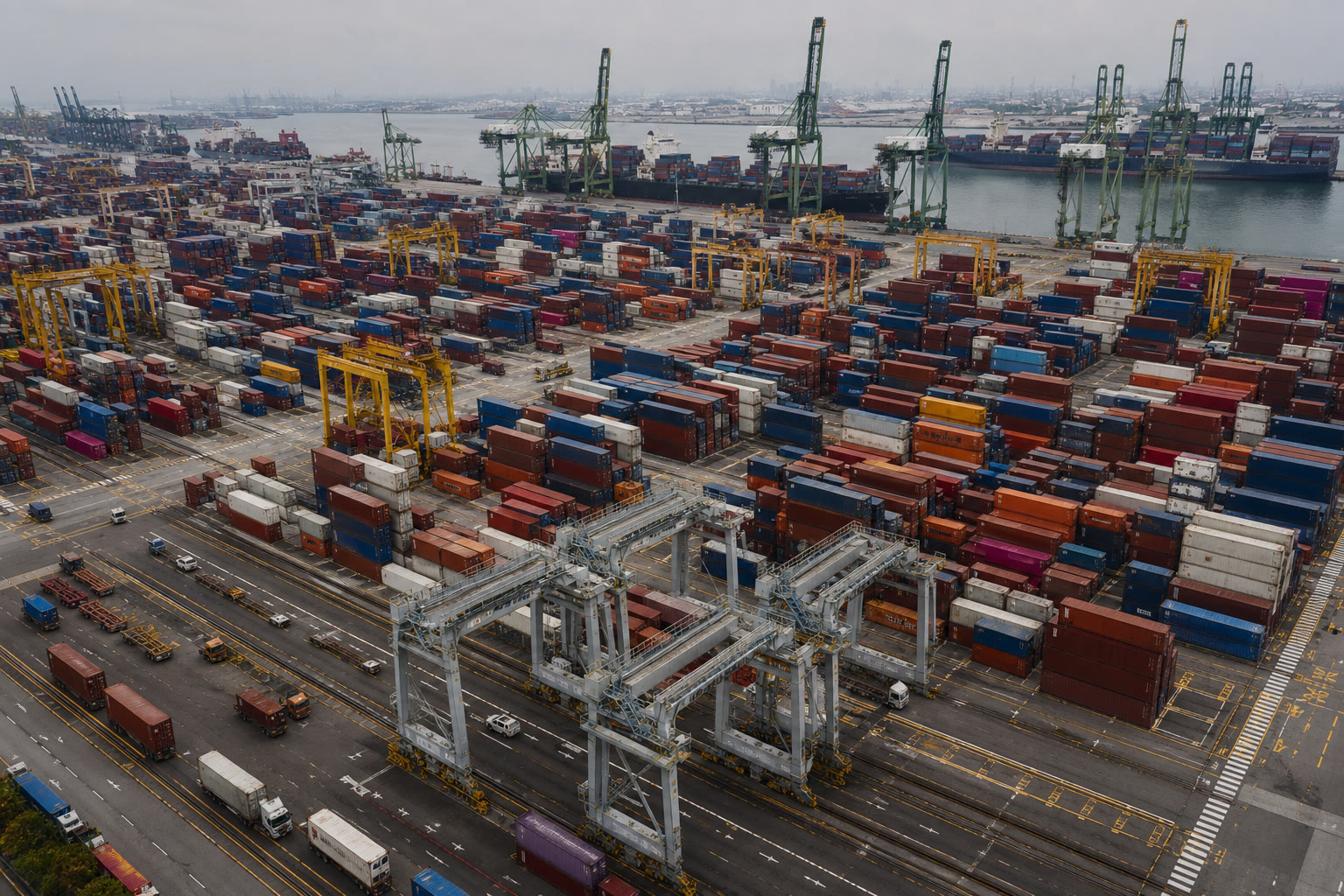
Port authorities and the teams that hold quays, hinterland and the capital programme behind them.
Ports and maritime
Quay, yard, warehouse and the land behind the fence are one portfolio. Tenants are leases. A berth or dredging job is a capital project with its own funding color. Disputes and permitting on the portfolio cannot live in a legal mailbox.
TerraForge holds assets and polygons on Map View. Leases and lease contacts on the plot. Disputes and permitting on the same family of business processes. Funding Manager and the Cost Sheet run the capital job. Global Search finds a contract number or a plot ID without a module-by-module hunt.
- Assets
- Map View
- Polygons
- Leases
- Disputes
- Permitting
- Funding Manager
- Cost Sheet
- Contracts
- Global Search

Authorities and public bodies that hold a corporate portfolio across a branded portfolio level they name — and a capital programme funded from more than one pot.
Local government and public portfolio
Portfolio-level roll-up is not a report someone built. Plots, buildings, leases, disputes and permitting are daily work. Grants and contributions sit beside own-budget capex. Staff will not learn a specialist console for each business process.
TerraForge makes the branded portfolio level first-class: click through to the portfolio and the dashboard underneath. County is the demo brand — name it counties, boroughs, regions. Leases, disputes and permitting stay on the land. Funding Manager holds the grant as its own color. Users get a modern web app, shared views and one inbox. Administrators publish a new business process without a vendor ticket.
- Branded portfolio level
- Assets
- Leases
- Disputes
- Permitting
- Work orders
- Dashboards
- Funding Manager
- Colors of money
- Shared views
- My Tasks
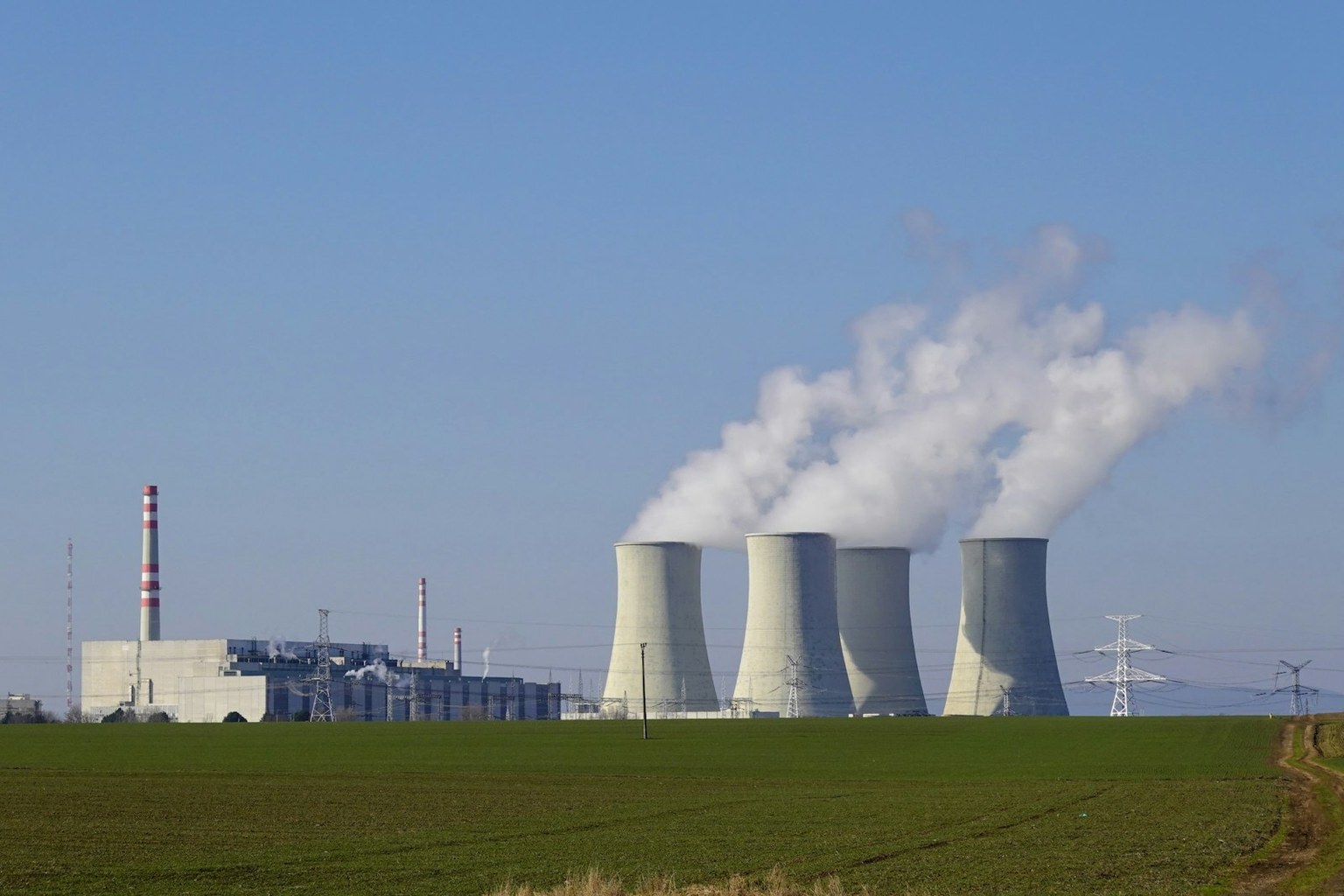
Generation owners and the capital teams running plant, land rights and the outage and upgrade programme.
Nuclear
A station, a cooling circuit, a wayleave corridor, a refuel or life-extension project. Land, assets and spend have to stay attached. Colors of money matter when own-budget capex sits next to a contribution or regulatory pot. The map is not optional.
TerraForge keeps the plant asset, the plot and the programme on one hierarchy. Leases carry occupancy and counterparty. Funding Manager keeps contribution and capex identifiable through allocation. Cost Sheet, contracts and Cash Flow Manager read the same WBS. Permission groups decide who sees a unit record versus a programme dashboard.
- Assets
- Leases
- Lease contacts
- Map View
- Polygons
- Funding Manager
- Funding allocation
- Cost Sheet
- Contracts
- Cash Flow Manager
- Permission groups
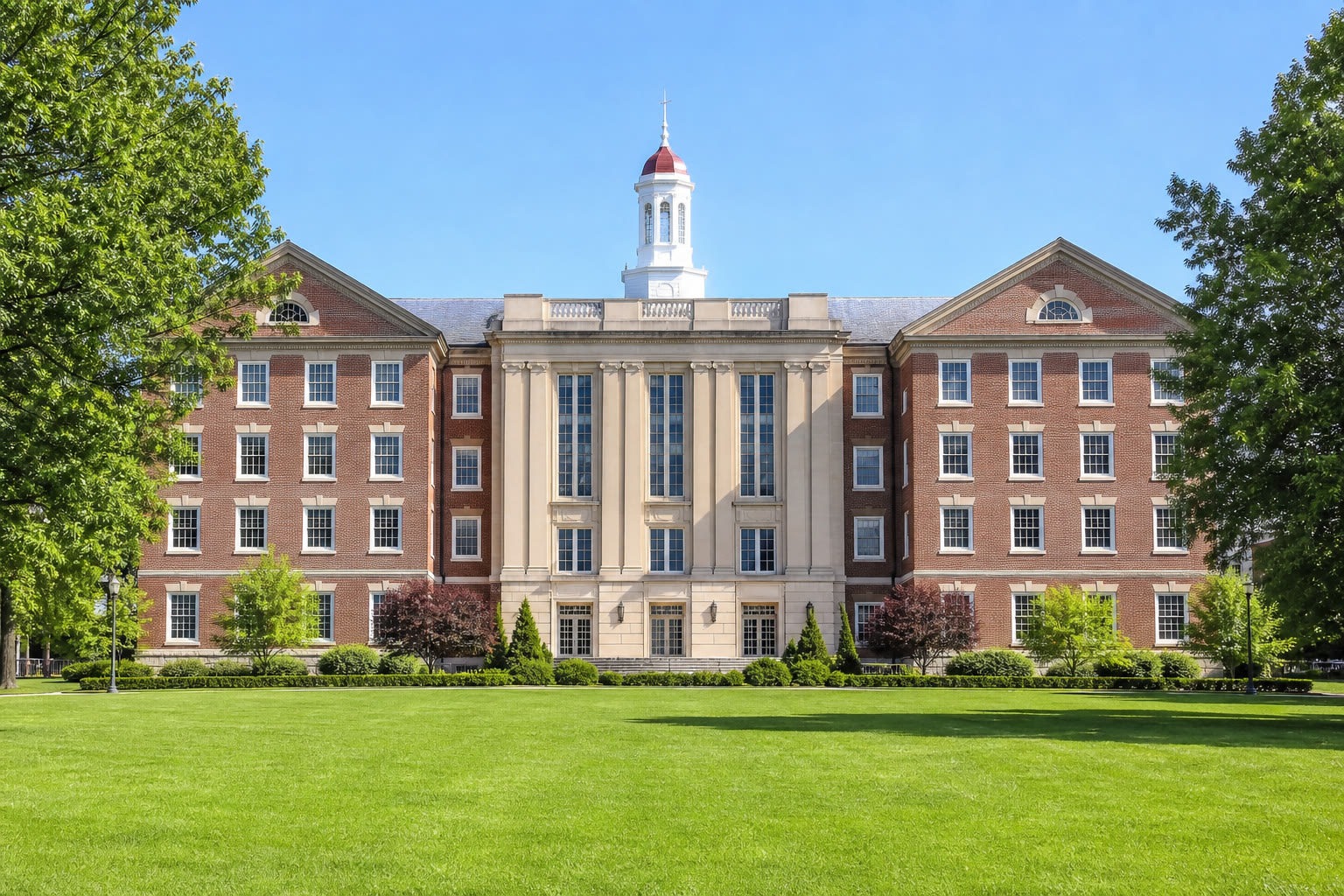
University portfolio and capital teams running campus, residences, labs, facilities and the land they sit on.
Universities & School Systems
A campus is a portfolio: academic buildings, residences, sports, research, facilities, the plots underneath. A lab or a hall is a capital job with a cost sheet. Work orders never stop. Leases and occupiers sit on the same buildings. Grant, donation and own-budget capex are different colors of money. Most campus systems do not run the programme. Most PMIS products do not run the campus.
TerraForge holds the building, the lease, the facility and the work order on one asset. Depreciations stay on the record. Programmes, Cost Sheet, Schedule Manager and Cash Flow Manager run the capital job. Funding Manager keeps a research grant from collapsing into the campus pot. App Builder publishes a space, compliance or minor-works business process without a vendor ticket — workflow in the same My Tasks inbox the campus already uses.
- Assets
- Leases
- Lease contacts
- Depreciations
- Work orders
- BPOs
- Programmes
- Cost Sheet
- Funding Manager
- App Builder
- My Tasks
See the full PMIS against your campus programme.
Your cost codes, your workflow, your campuses. Write sales@terraforge.build.